Video Meetings
Looking professional on camera doesn’t have to mean dressing up all day or investing in an expensive setup. A few simple adjustments to your lighting, camera placement, background, and audio can help you feel more confident on Teams or Zoom. I’m sharing practical tips and favorite tools to help you show up prepared, comfortable, and ready to connect.
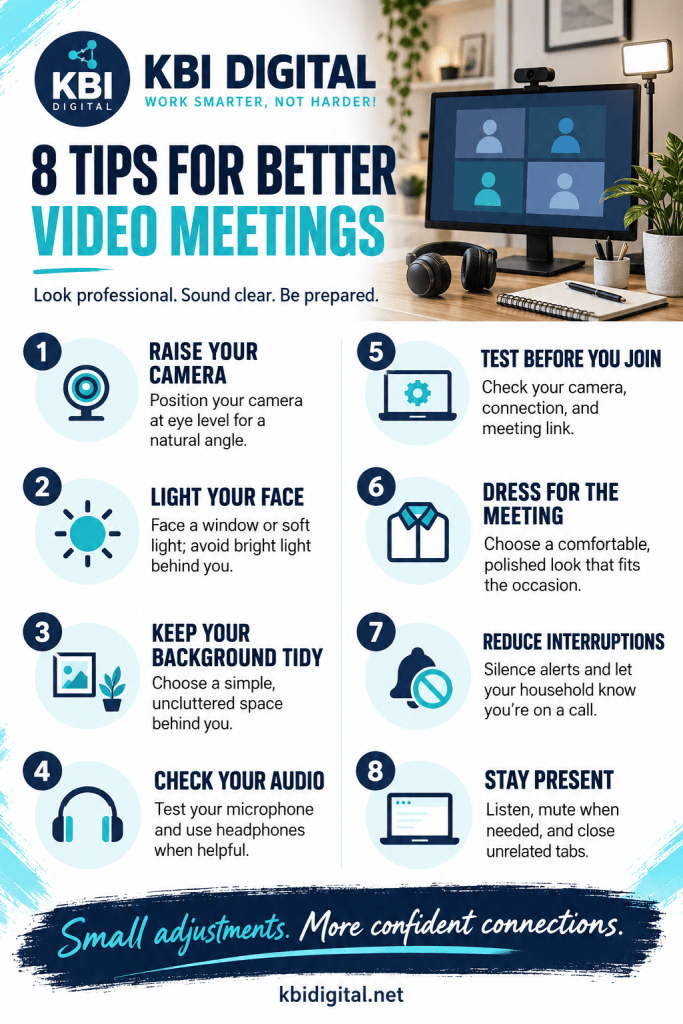
Must Haves for Video Meetings
Headphones that are noise canceling is a must for Video meetings, this way if the dog barks, if the doorbell rings, any distracting noises are not heard in the meeting. I have two aussies and they are barkers, this is a staple for me. My favorite brand is Jabra (not the cheapest not the most expensive, but it gets the job done.)
Explore Jabra Headphones on Amazon →
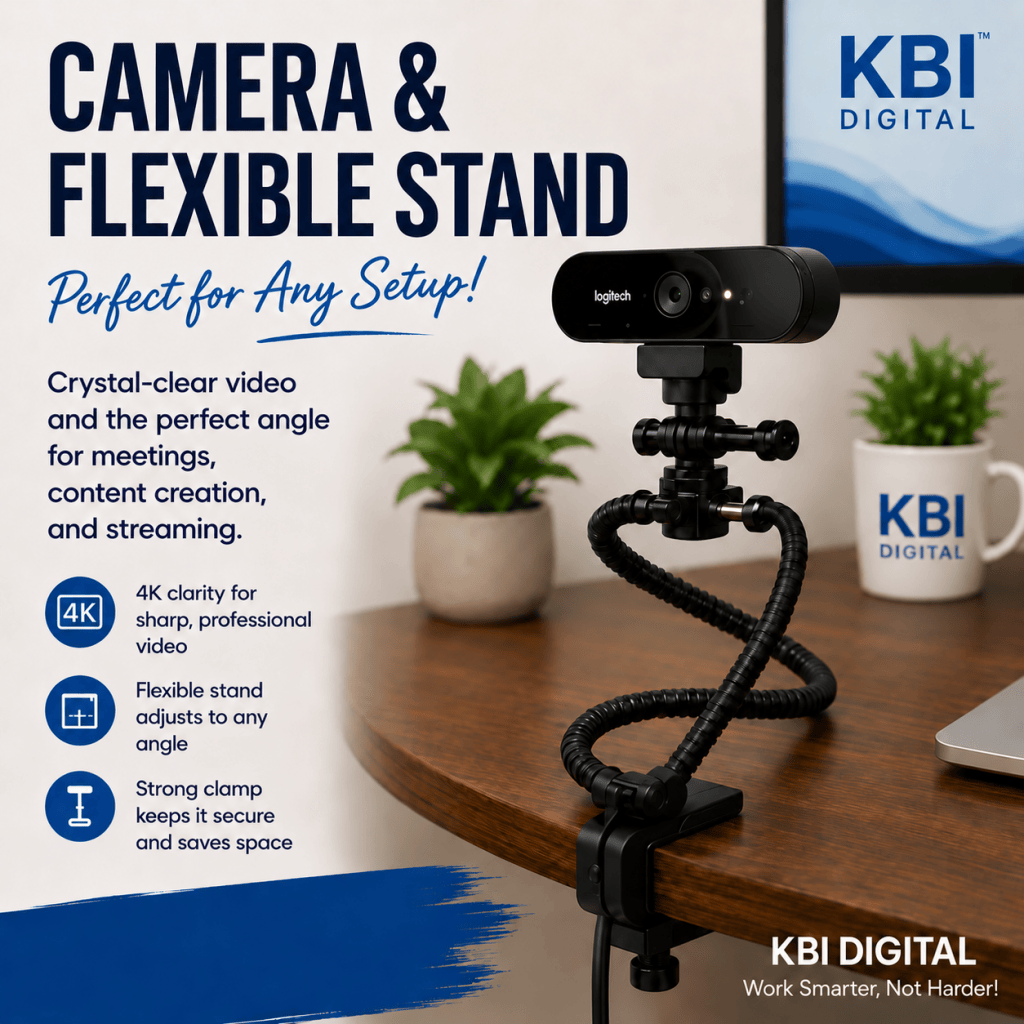
Another must have is a Flexible camera, I am short, so the ones on the top of the monitor is not really good for me. I also like the flexibility that this gives for the location of the camera. You can buy a unit that is one unit, or I went with a nicer camera and a stand that I snapped the camera on.
Explore Flexible Web Cameras →
Explore Logitech Web Cameras →
Some links on this page are affiliate links. If you make a purchase through them, I may earn a small commission at no additional cost to you. Thank you for supporting KBI Digital!
As an Amazon Associate, I earn from qualifying purchases.

