Working from home means I can create a workspace that fits me—and comfort is a big part of that.
I spend a lot of time at my computer, between my regular work, writing, and working on KBI Digital. A desk that looks nice is great, but I also need a space where I can comfortably get through my day.
Some of my favorite office items are practical: a large curved monitor and an ergonomic mouse. Others are about personal comfort, like the heated massage pillow on my chair, my hand massager, and the desktop fans that give me a little extra cooling when I need it.
If you read my earlier “Must Haves” article, this takes that idea a little further. These are the items I use to make my home office more comfortable—and the setup details that matter just as much as the products.
Disclosure: This article contains affiliate links. If you purchase through these links, I may earn a commission at no additional cost to you. As an Amazon Associate, I earn from qualifying purchases.
A Heated Massage Pillow for My Office Chair
One of my office must-haves is a massage pillow with heat that I use on my chair for my back.
When I spend much of the day at a desk, having that option nearby is a little comfort I appreciate. Working from home gives me the freedom to add things like this to my office without worrying about whether they fit a traditional workplace.
A massage pillow is an extra comfort feature, though. The chair itself still needs to fit, and adding a pillow should not push you into an awkward position or make it harder to reach your keyboard.
Follow your particular pillow’s instructions for placement, heat settings, and session length.
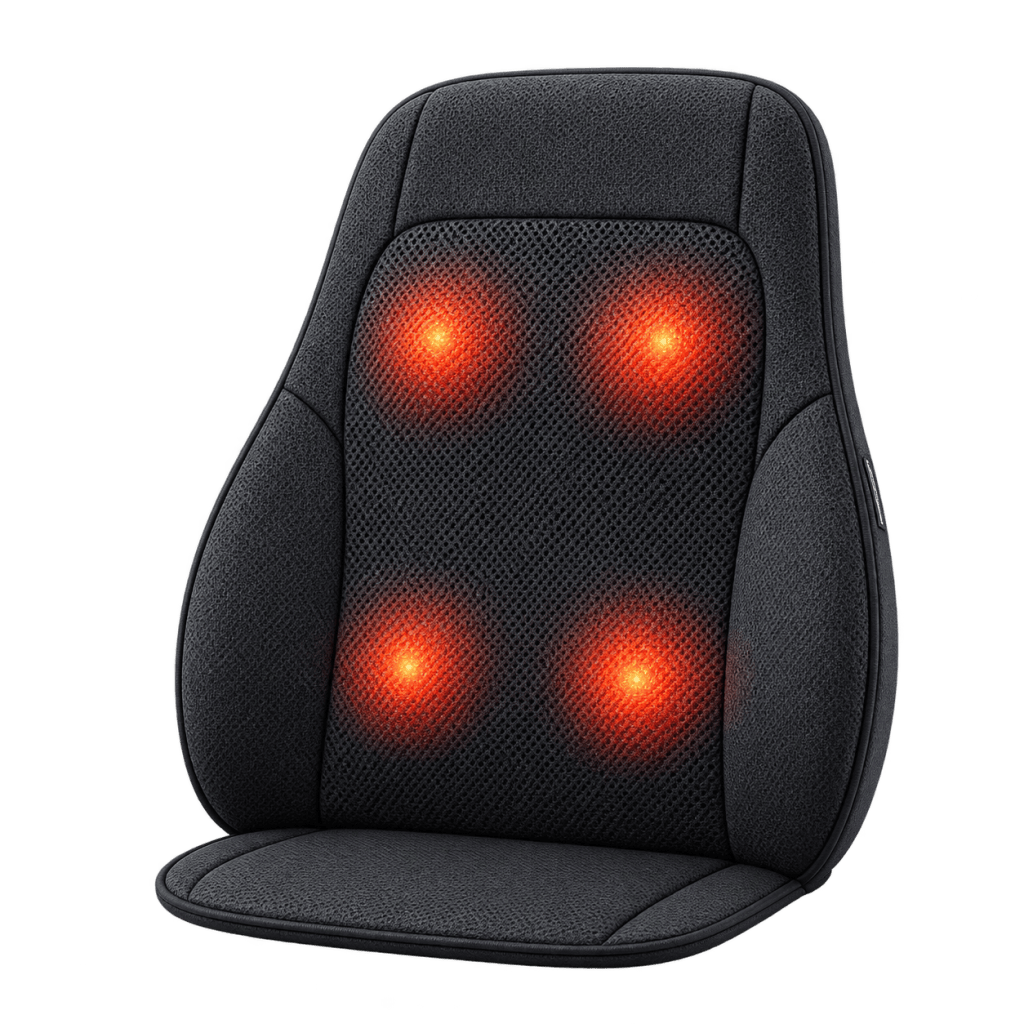
My heated massage pillow: https://link.amazon/B0a6zWPIf
A Hand Massager for Time Away From the Keyboard
We talk a lot about office chairs and back support, but our hands do plenty of work, too.
Typing, clicking, scrolling, and using a phone can fill a surprising amount of the day. My hand massager is another item I keep in my comfort toolkit.
It also gives me a reason to stop typing for a few minutes. That pause matters: having a comfort product nearby should not become an excuse to keep working without breaks.
Use a hand massager according to its instructions, and stop if it causes discomfort.
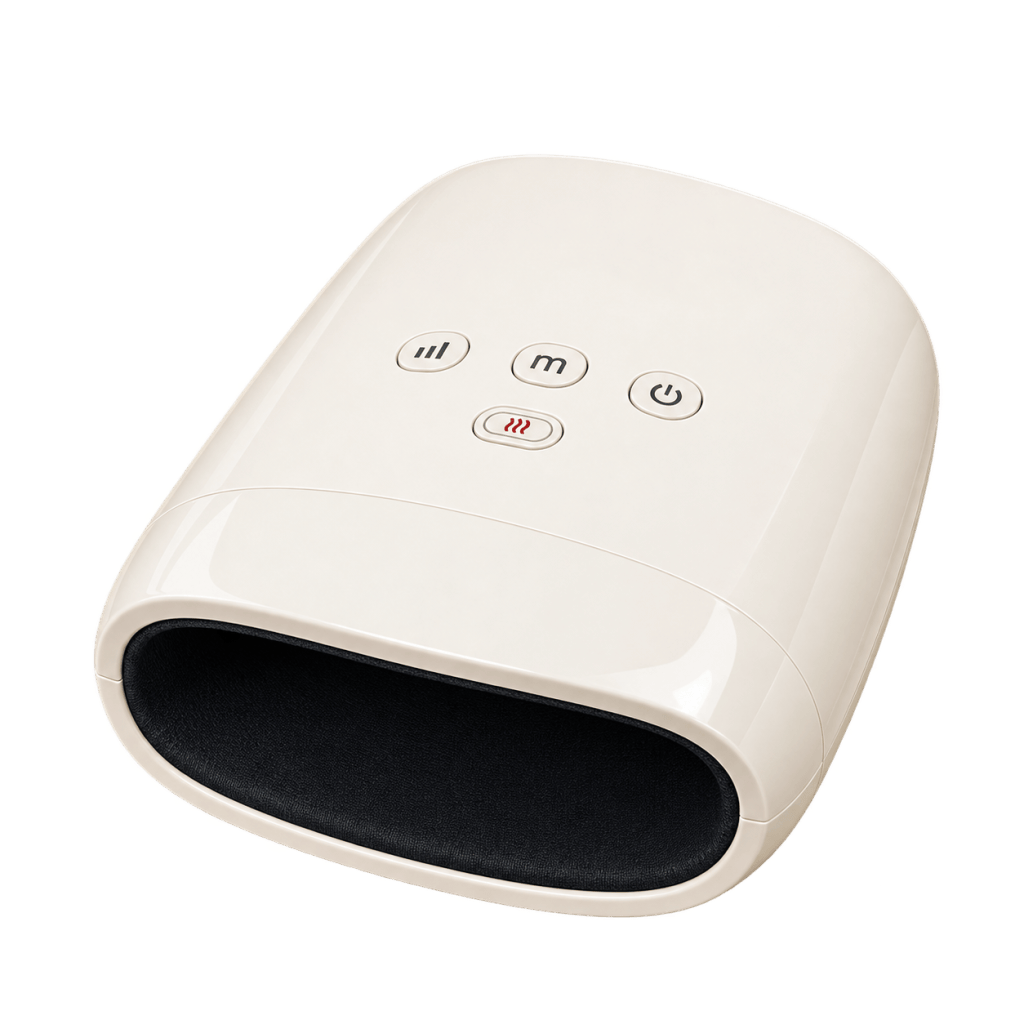
My hand massager: https://link.amazon/B07Xs4JXj
The Gloves I Keep in My Desk Setup
My carpal tunnel gloves are another item in my office setup. They belong on my personal list of must-haves, but I want to be careful about what that means.
Products sold as “carpal tunnel gloves” can vary, and a compression glove is not necessarily the same as a wrist splint. I am sharing what I use, rather than suggesting that gloves will prevent or treat carpal tunnel syndrome.
For diagnosed carpal tunnel syndrome, a clinician may recommend a wrist splint that keeps the wrist straight. Persistent or worsening tingling, numbness, pain, or weakness deserves medical attention.
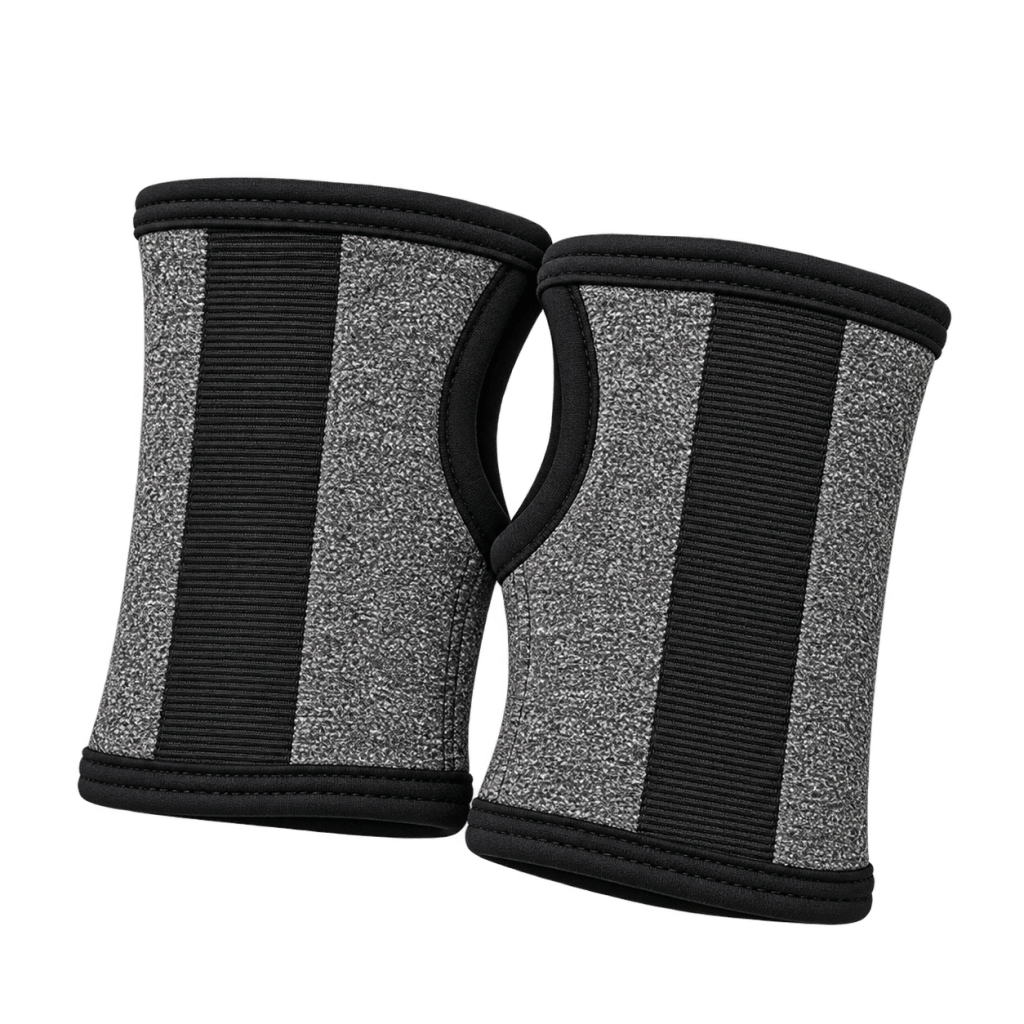
The gloves I use: https://link.amazon/B0epMJOCI
An Ergonomic Mouse—and Room to Use It
An ergonomic mouse is another piece of my setup worth including.
The right mouse is a personal choice. Hand size, grip, and how you use it all matter. A mouse can have “ergonomic” on the packaging and still be uncomfortable for a particular person.
Placement matters, too. Keep the mouse within easy reach, with enough space to use it without stretching your arm away from your body. OSHA’s workstation guidance also recommends keeping wrists aligned with the forearms and shoulders relaxed.
Before buying anything new, look at where your mouse sits. A small adjustment may make your existing setup more comfortable.
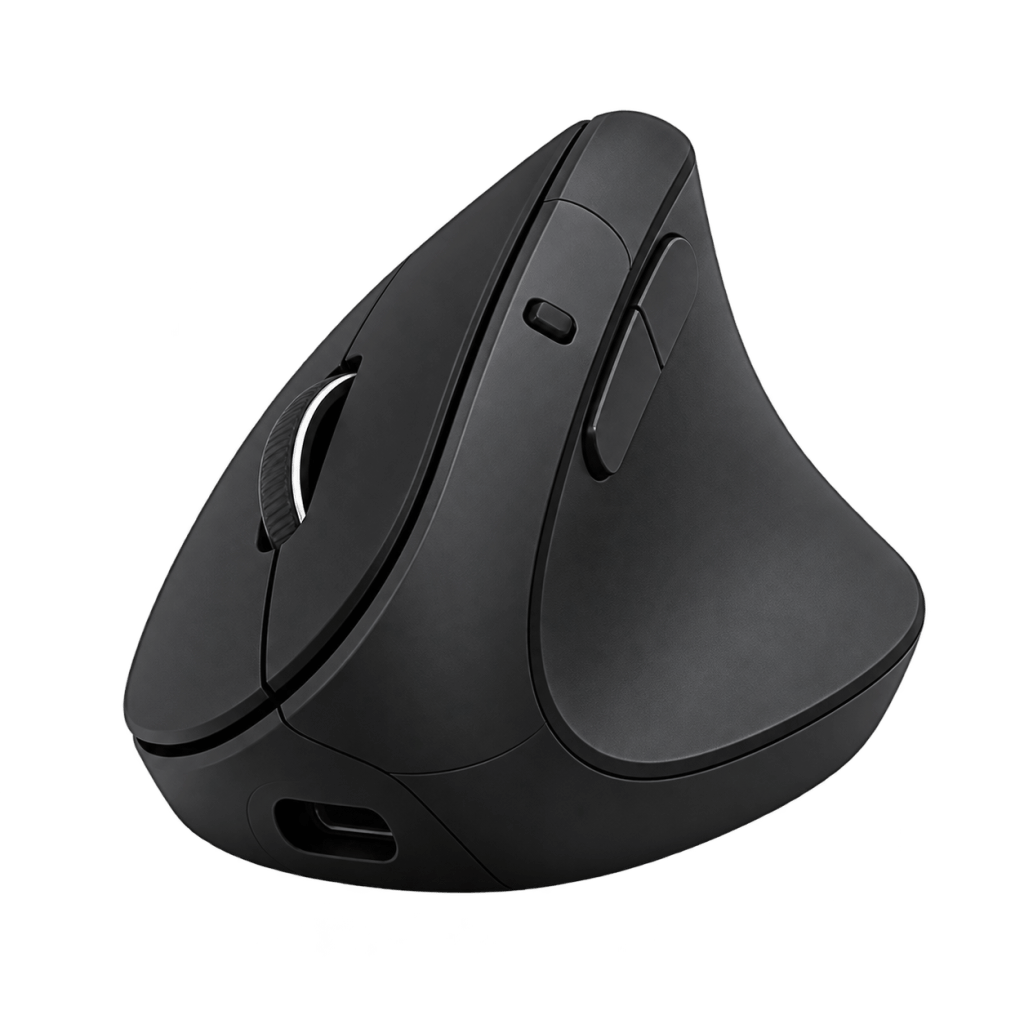
Link for mouse: https://link.amazon/B0dtFHrb7
A Large Curved Screen
My large curved screen is one of the main pieces of my desk setup.
When your work involves documents, spreadsheets, reports, and several windows, screen space is something you appreciate. But a bigger screen still needs to be positioned thoughtfully.
The goal is to read comfortably without leaning forward, looking sharply upward, or repeatedly twisting your neck. OSHA recommends placing the monitor directly in front of you, with the top of the screen at or below eye level. Increasing text size can also help you avoid leaning toward the display.
The curve is a feature I chose for my setup. It does not automatically make a monitor ergonomic—the height, distance, and placement still matter.
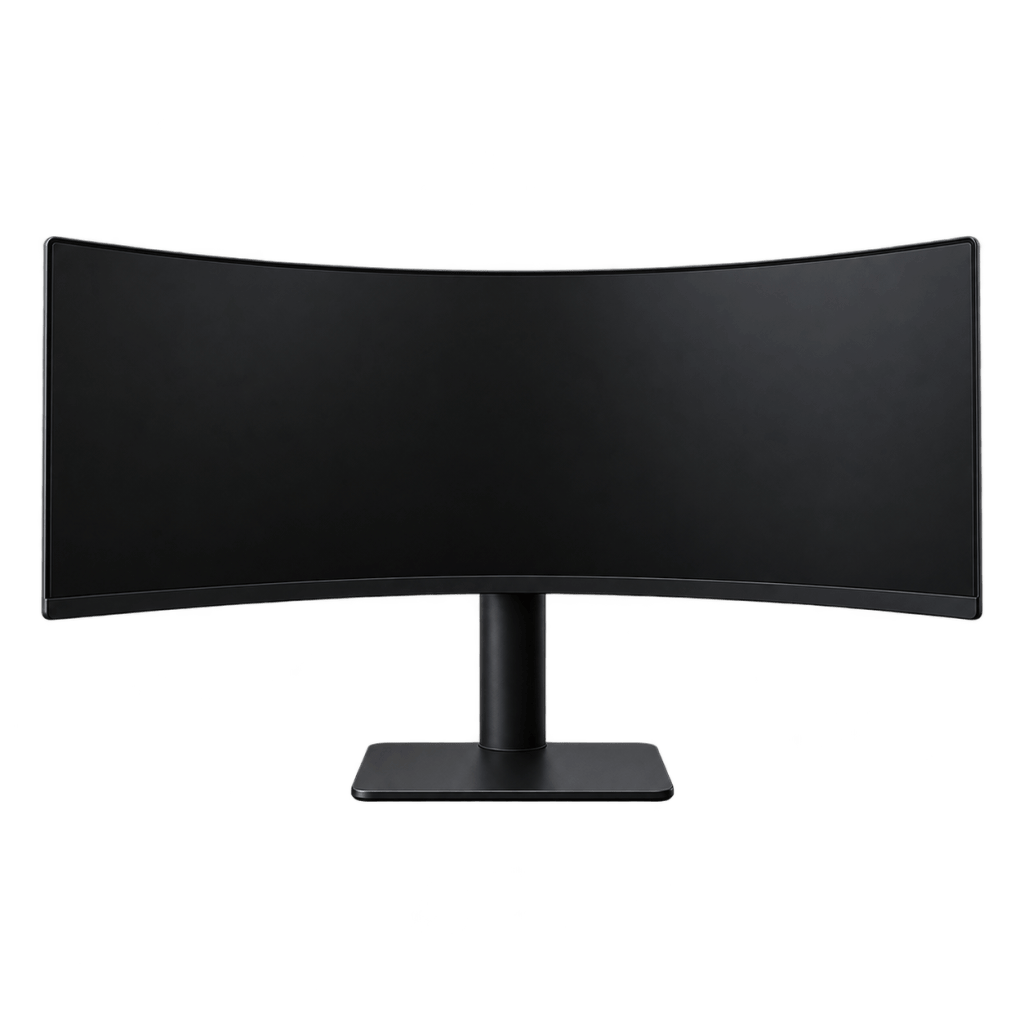
My large curved monitor: https://link.amazon/B0iYbx6ez
Desktop Fans: Sometimes I Need Air Directly on Me
I have a fan light in my office, but sometimes that is not enough.
There are days when I need air directly on me to cool down. That is where my desktop fans come in.
Especially here in Georgia, the room can be reasonably comfortable and I can still want a little extra airflow at my desk. Having a fan close by lets me adjust my own comfort as the day changes.
For anyone who spends time on video calls, fan noise is worth considering, too. I want cooling that works with my office routine.
My desktop fans: https://a.co/d/01839YUa
An Office Heater for the Chilly Days
Of course, some days I need the opposite.
Having a heater in my office gives me another way to make the space comfortable when it is cold. My office setup needs to work across seasons—and sometimes across different parts of the same day.
Temperature belongs in the comfort conversation. It is hard to settle into work when you keep thinking about how hot or cold you feel.
Choose a suitable location for your heater and follow the manufacturer’s instructions for clearances and electrical use.
Fireplace heater: https://link.amazon/B0aqDx5Az
Ceramic Heater: https://link.amazon/B0eMMGGmu
The Setup Matters as Much as the Shopping List
These products are part of my office, but comfort starts with how everything fits together.
A useful starting point is to check that:
- Your back is supported.
- Your feet have support.
- Your shoulders can relax.
- Your keyboard and mouse are easy to reach.
- Your monitor is positioned so you can look ahead comfortably.
These basics reflect OSHA’s computer workstation guidance. They are worth checking before adding another accessory to the desk.
And even a comfortable office needs breaks. I get away from my desk for lunch and take short breaks during the day, including letting the dogs out. Those moments help me build some movement into a day that could otherwise involve a lot of sitting.
Build a Workspace That Fits You
Your office does not need to look like mine.
You may prefer a different chair, a smaller screen, or a completely different temperature. The useful question is: What keeps interrupting your comfort during the workday?
Start there. Adjust what you already have, then consider which product would serve a clear purpose in your space.
For me, the heated massage pillow, hand massager, gloves, ergonomic mouse, curved monitor, fans, and heater all have a place in my work-from-home setup. Together with a thoughtfully arranged desk and regular breaks, they help me create an office I want to spend time in.
For more ideas on creating a workspace and routine that fit your life, visit my work-from-home productivity book page at
What is the one comfort item you would not want to work without? A favorite chair, a footrest, a desk fan, or something else? I would love to hear what works for you.
Follow KBI Digital for more work-from-home ideas, practical tools, and everyday productivity tips.
Website:
kbidigital.net
Facebook: Nancy Patrick (KBI Digital)
Instagram: kbi_digital
Pinterest: kbidigital
WORK SMARTER, NOT HARDER!


Leave a Reply